Blinkwiser: Designing and Shipping AI Products End-to-End
Two live AI SaaS tools built from scratch: designed, coded, and shipped. This is what it looks like when a designer owns the entire product lifecycle.
2
Live AI products in production
Active
Free-tier users on Agentic Carousel
Solo
Research · Design · Build · Ship
5-stage
AI pipeline for VidExtreme course builder
The Problem
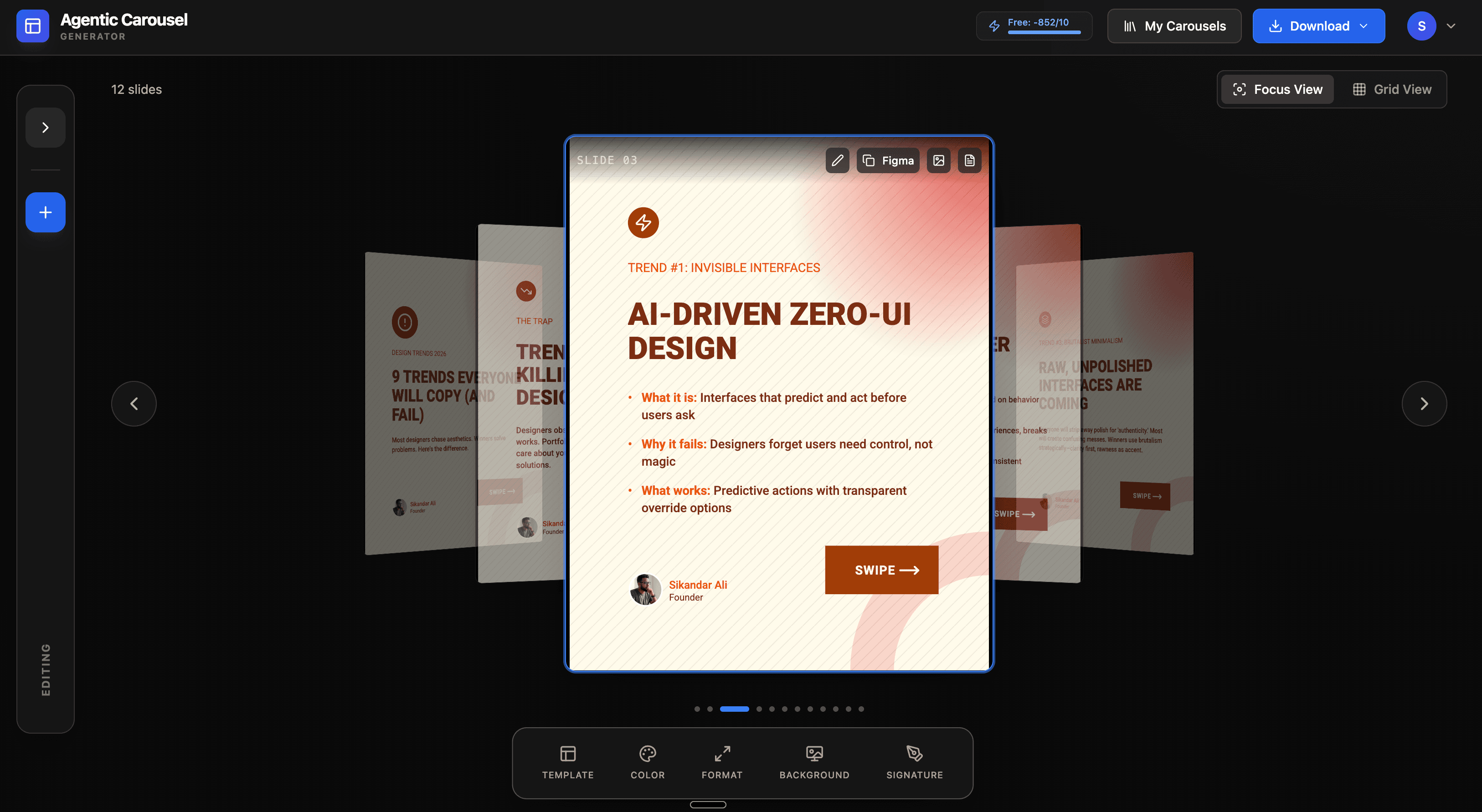
LinkedIn content creators were spending hours producing carousel posts and structured learning content, not because the ideas were hard but because the tools weren't built for their workflow. Existing tools required too many manual steps, produced generic output, and didn't understand content strategy. The gap was a product problem, not a writing problem.
As the problem became clear, so did the opportunity: build two focused tools: one for carousel creation and one for video course structuring, that used AI to handle the mechanical work while keeping the creator in control of strategy and voice.
My Role
Sole designer and developer. I owned the entire product lifecycle for both tools: user research, information architecture, UX design, UI design, frontend engineering, backend AI pipeline design, and deployment. Both products are live and publicly accessible.
This case study is positioned last in the portfolio intentionally. It exists to answer a question senior hiring managers ask: does this designer actually understand how products are built, or do they just design in Figma and hand off? The answer is here.
Key Decisions
Decision 1: Agentic Carousel and a two-agent pipeline
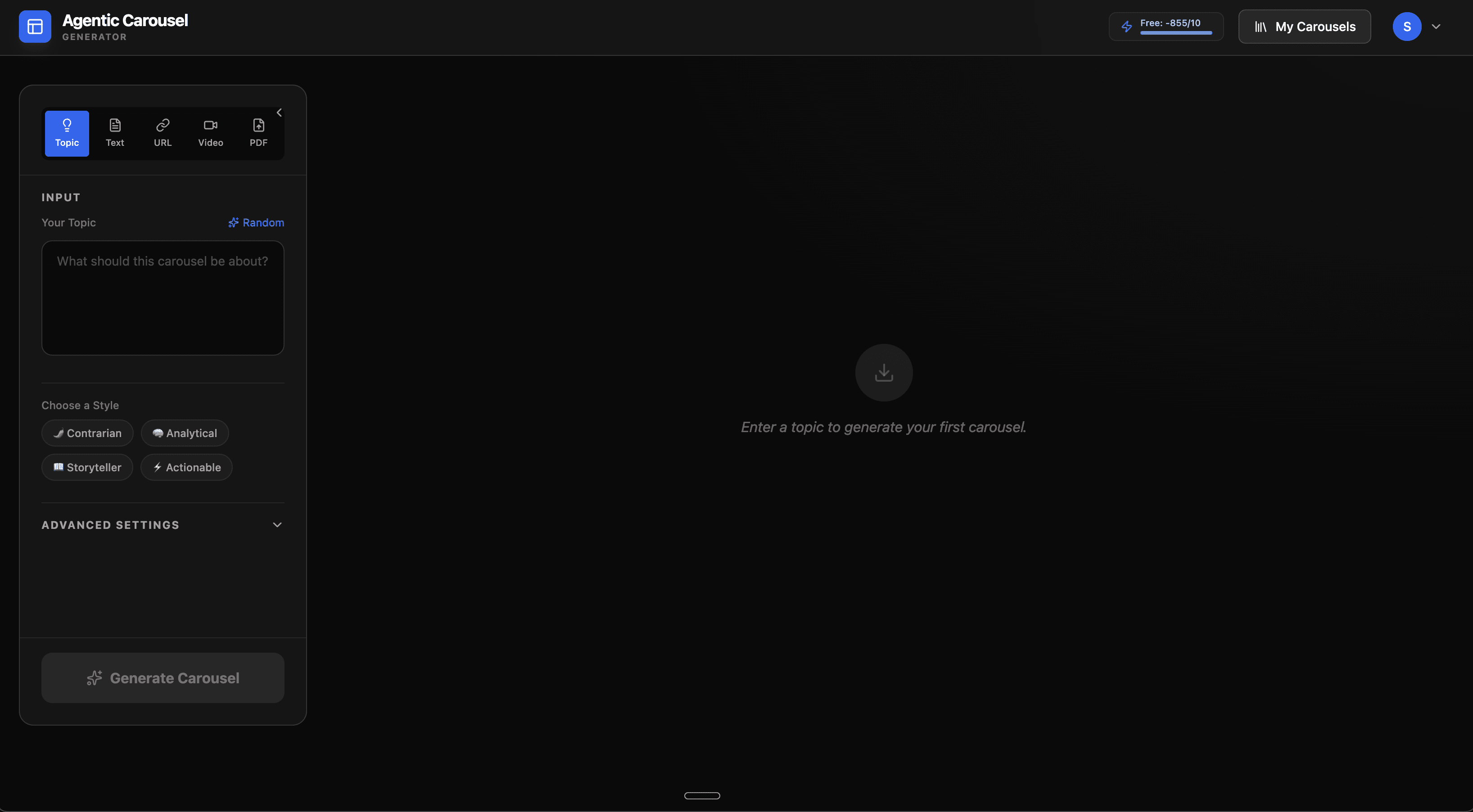
The first design decision for Agentic Carousel was architectural: how to structure the AI pipeline. A single monolithic prompt produces plausible output but poor results because it tries to simultaneously handle content strategy, slide structure, and visual logic.
I split the pipeline into two agents with distinct responsibilities. The StrategistAgent handles content strategy: it takes the input topic and generates a narrative arc, key messages, and audience targeting. The TemplateAgent handles visual structure: it receives the strategy output and maps it onto slide layouts, headline/body splits, and call-to-action placement. The two agents operate as separate concerns, so each can improve independently without regressing the other.
Decision 2: Mobile-first carousel editor
LinkedIn carousels are created by professionals on the go, often on phones between meetings, not at a desktop. Most carousel tools are desktop-first editors with mobile as an afterthought. I designed the editor mobile-first: swipe to navigate between slides, tap to edit, large touch targets for content fields. Desktop gets a side-by-side preview panel as a progressive enhancement.
Decision 3: Freemium model to validate product-market fit
Before any monetisation, the product needed proof that people would return to it. A free tier with usage limits (number of carousels, number of AI generations) serves two purposes: it removes the barrier to first use, and it generates the usage data needed to identify where users are dropping off. Active free-tier users validate the core loop before a paywall.
Decision 4: VidExtreme, a five-stage sequential pipeline with visible progress
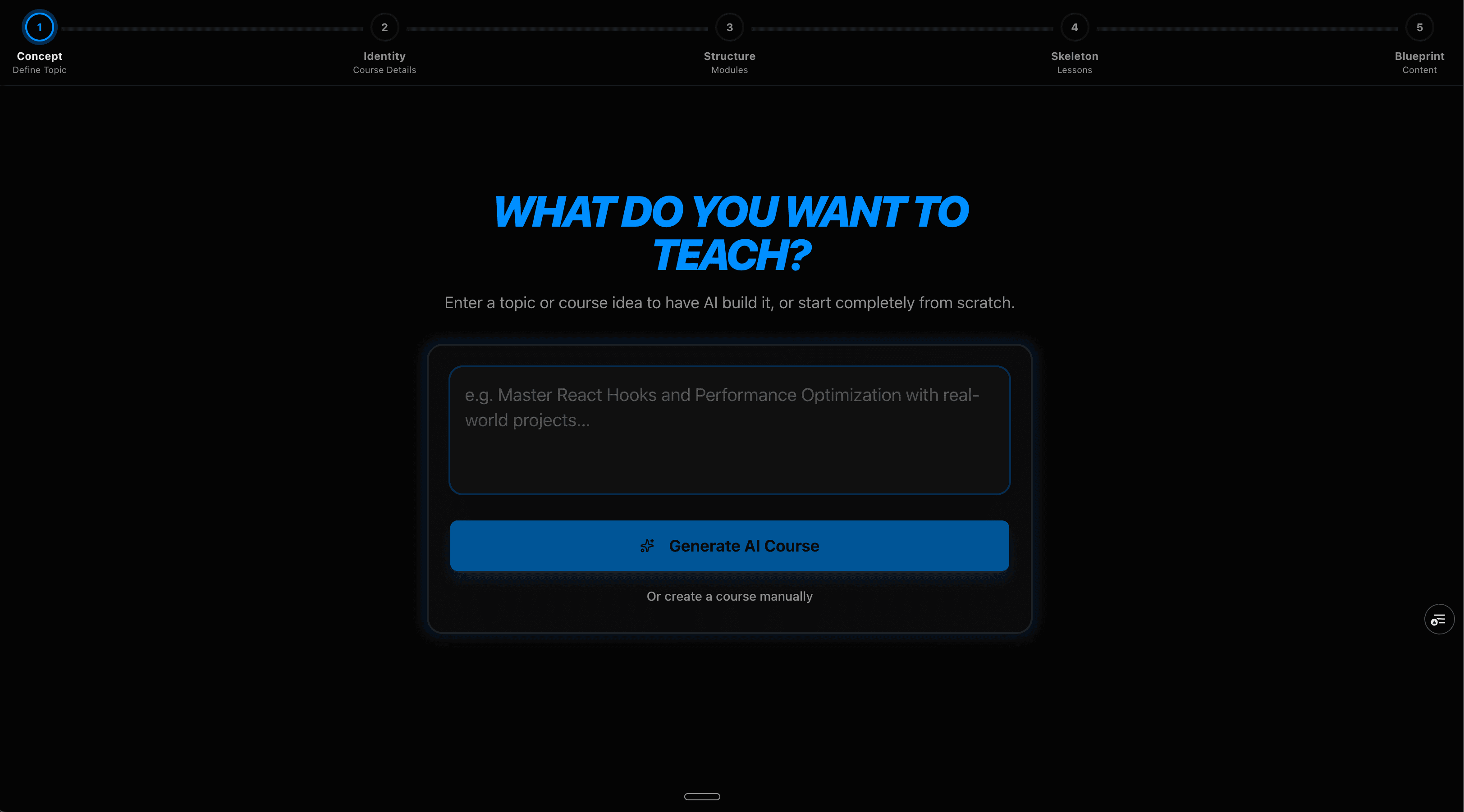
A video course is a complex output that needs a topic, a learner profile, a module structure, per-module scripts, visual briefs, and a production sequence. Generating all of this in one AI call produces incoherent results. I designed a five-stage sequential pipeline where each stage takes the previous stage's output as structured context: Concept → Identity → Structure → Skeleton → Blueprint.
The UX challenge was keeping users oriented during a process that takes 60–90 seconds. I designed a progress indicator that shows both the current stage name and the stages ahead, not just a loading spinner. Users can see what the AI is currently working on and what's coming, which dramatically reduces the perception of wait time and abandonment during generation.
Results
- Agentic Carousel live at blinkwiser.com with active free-tier users, with the core loop validated before monetisation
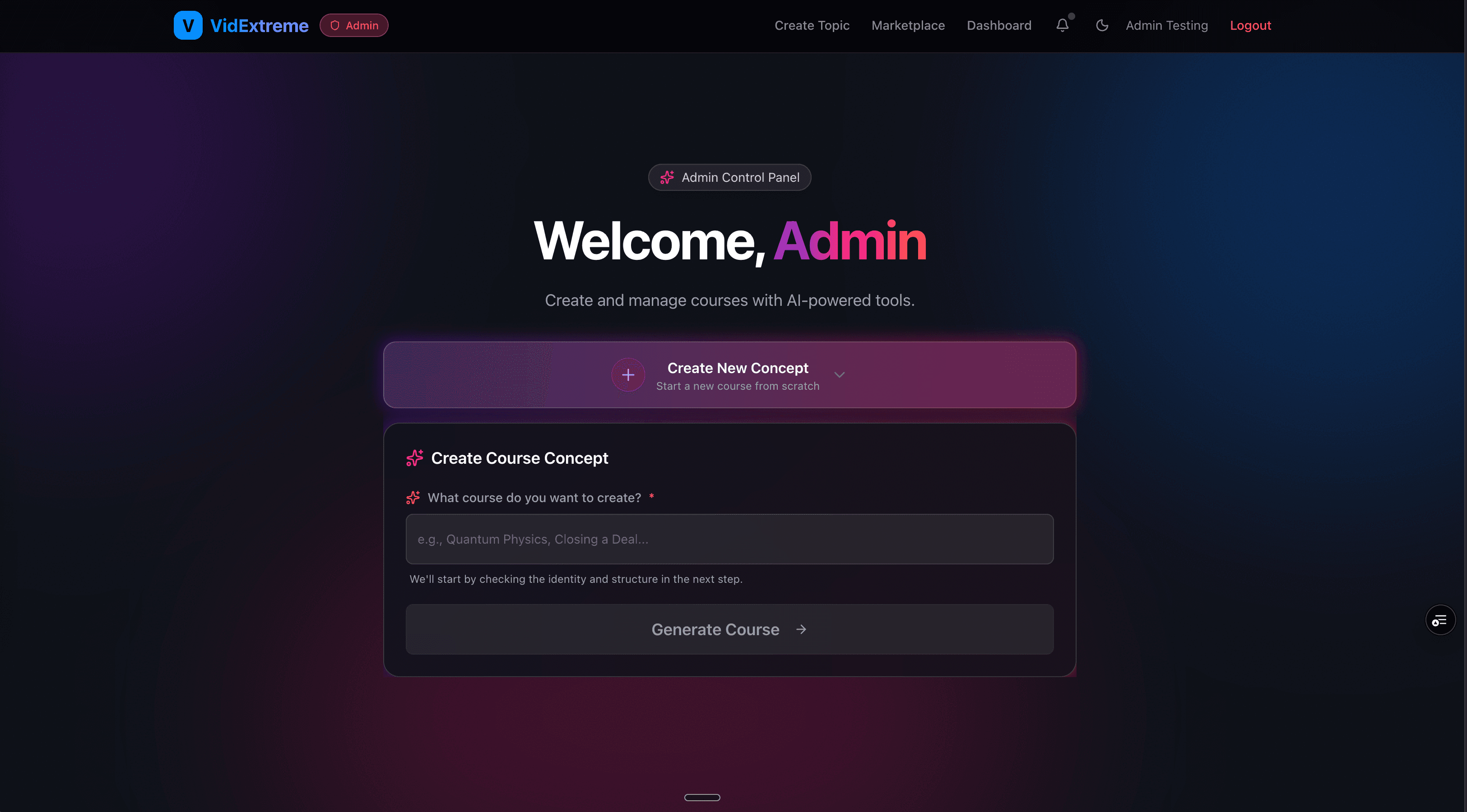
- VidExtreme live at courses.blinkwiser.com , with a five-stage AI pipeline producing structured course outlines, scripts, and visual briefs in one generation
- Both products publicly accessible, not mockups, not prototypes, not portfolio pieces
- Two-agent architecture allows independent improvement of content strategy and visual structure without regressing either concern
- Built and deployed without a team, agency, or budget beyond API costs. Every design decision had a direct engineering consequence, and every engineering decision had a direct UX consequence
Why this belongs in a UX portfolio
Most portfolios show work designed for other people's products. This case study shows what happens when a designer owns the whole thing. Every UX decision here had a direct engineering consequence, and every engineering decision had a direct UX consequence. Understanding that relationship is what separates designers who can operate at a product level from designers who execute briefs.
The AI tools I built here are workflow tools, not design showcase pieces. They're listed last because they're context, not credentials. The credentials are Javelina, Dubai Municipality, and Jet Airways. This is the proof that I understand how the products I design actually get built.